Math and equations render properly, drag-and-drop file upload works in the chat window, full-screen mode is available, loading messages are clearer, and citation tooltips show sources on hover.
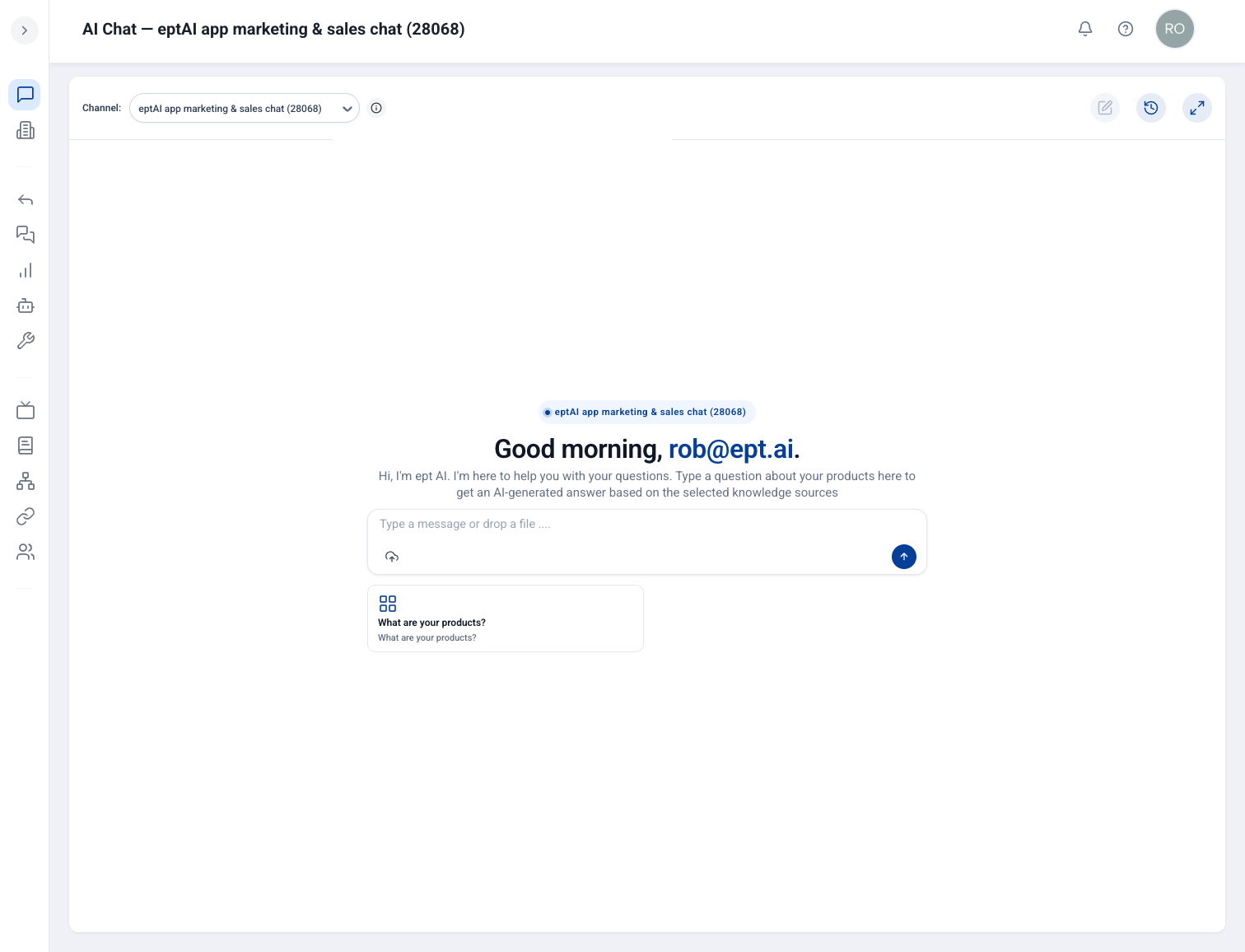
The new chat home screen: personalized greeting, channel context, drag-and-drop upload, and suggested starter questions.
Why it matters
Everyday chat feels more polished — especially for technical answers with equations, file attachments, or sourced references you need to trust.
Proper math rendering
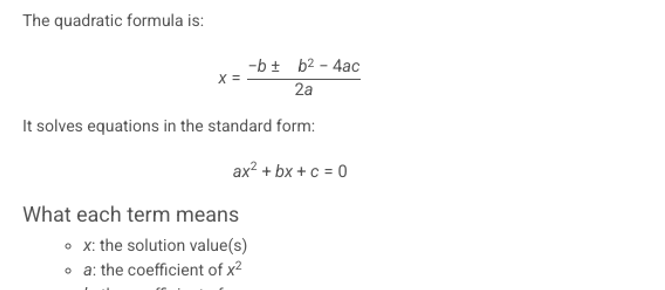
Equations display correctly — no more raw LaTeX in your chat.
Drag-and-drop upload
Drop files directly into the chat window instead of hunting for an upload button.
Full-screen chat
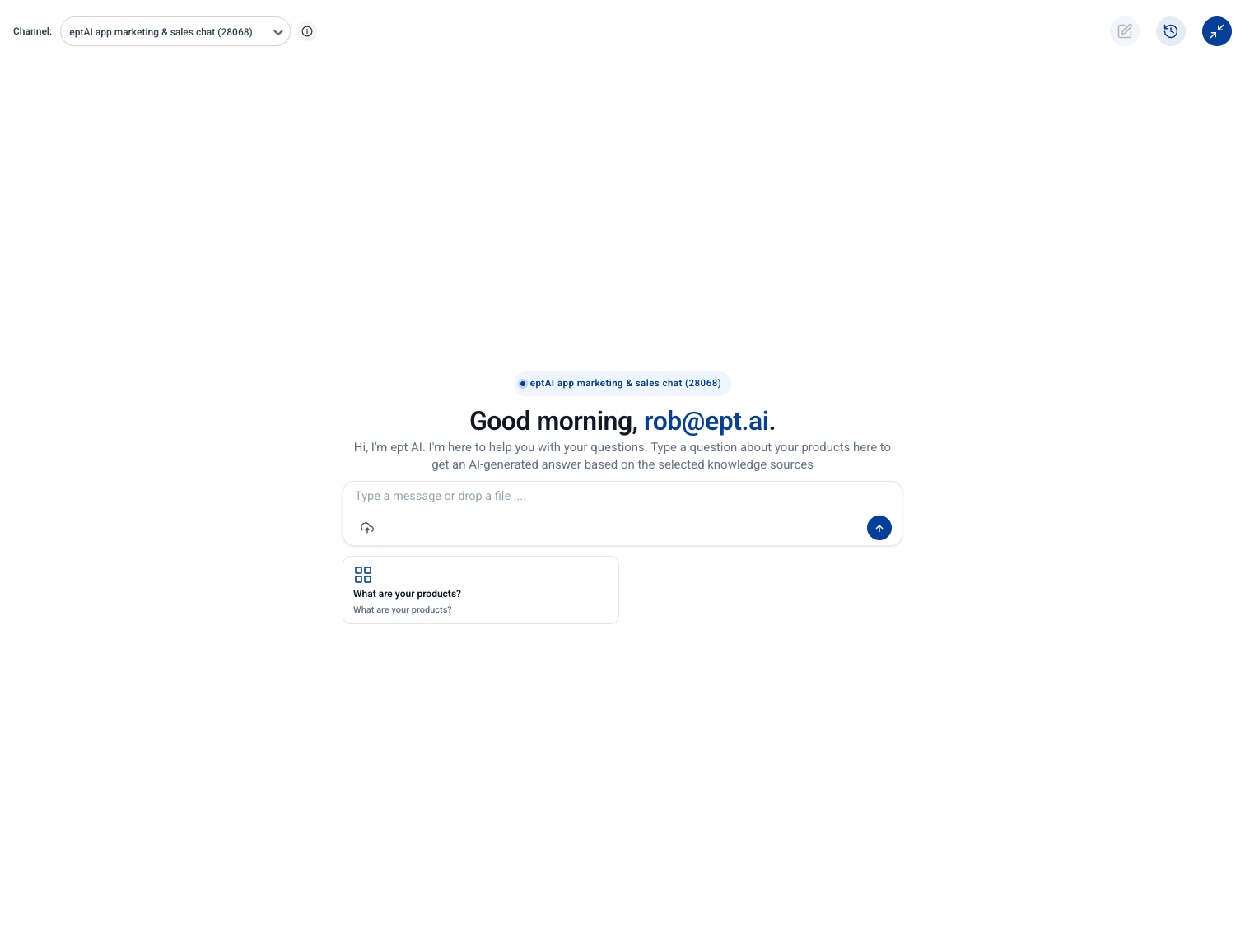
Expand to full-screen when you need more room to read long answers or work through a thread.
Clearer loading & citations
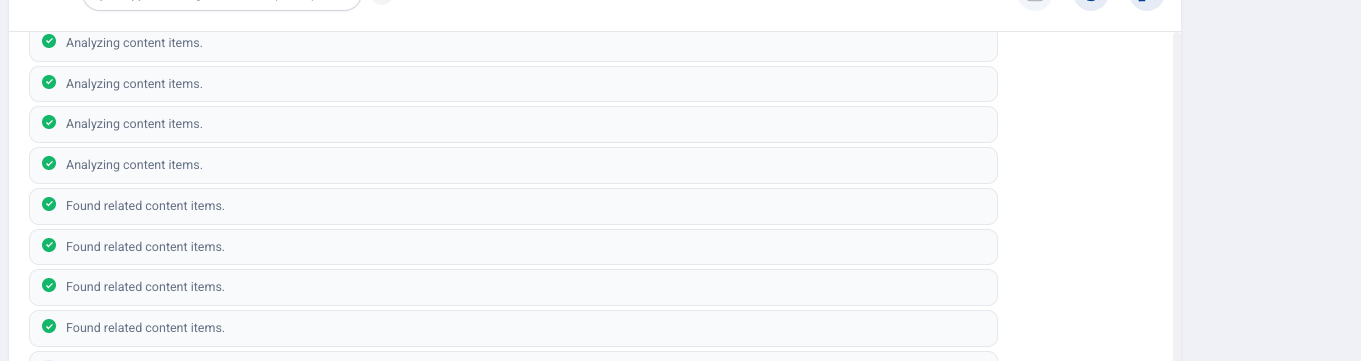
Loading messages tell you what the AI is doing, and hover a citation to see where an answer came from.
How to use it
Open AI Chat from App Channels once this update is released.
Drag a file into the chat window to upload it alongside your question.
Use full-screen mode when reviewing long technical answers.
Hover citation markers to preview sources without leaving the conversation.