People Finder in room chat, faster and more relevant answers, and better visibility into which knowledge sources are being used across your team.
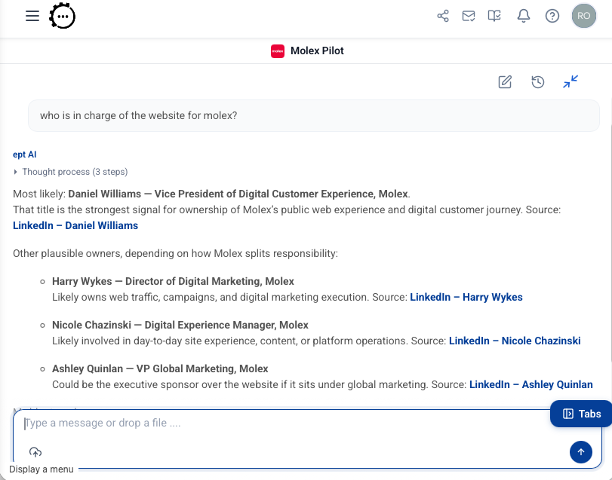
Ask about a person in room chat and get their role, background, and sources — directly in the conversation.
Why it matters
The AI finds the right person or document faster. Knowledge admins can see what sources are actually driving answers — and tune configuration with real usage in mind.
People Finder
Ask for a person's role, contact info, or background in room chat and get it directly in the conversation.
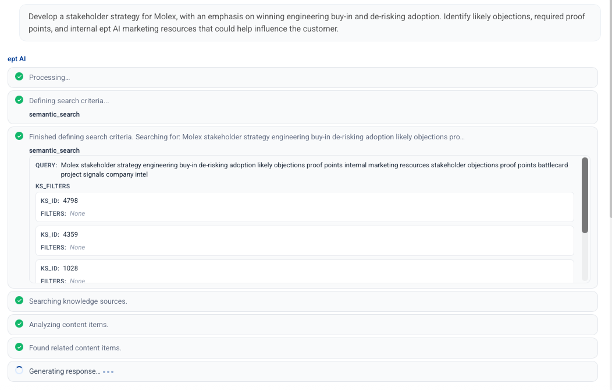
Faster, more relevant answers
Backend retrieval upgrades mean the AI finds the right doc faster — you mostly notice it as better answers.
Source visibility for admins
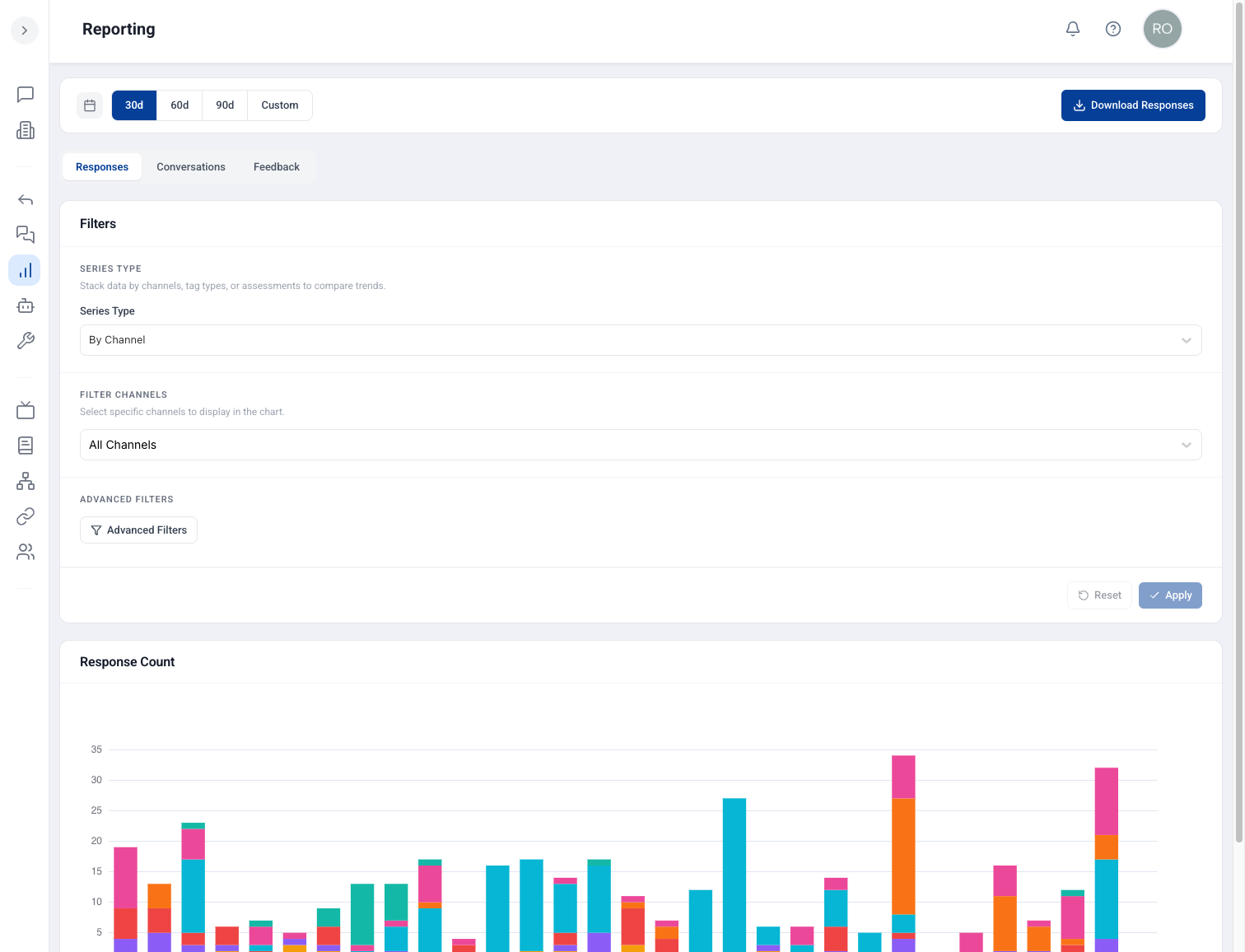
See which knowledge sources are being used where, if you manage knowledge configuration for your team.
How to use it
In a room, ask the AI about a person — their role, contact details, or background — using natural language.
Notice faster, more on-target answers as you work; retrieval improvements apply across channels.
If you manage knowledge: review source usage visibility to see which repositories are actually being hit.
Adjust Knowledge Source Configurations based on what your team uses most.