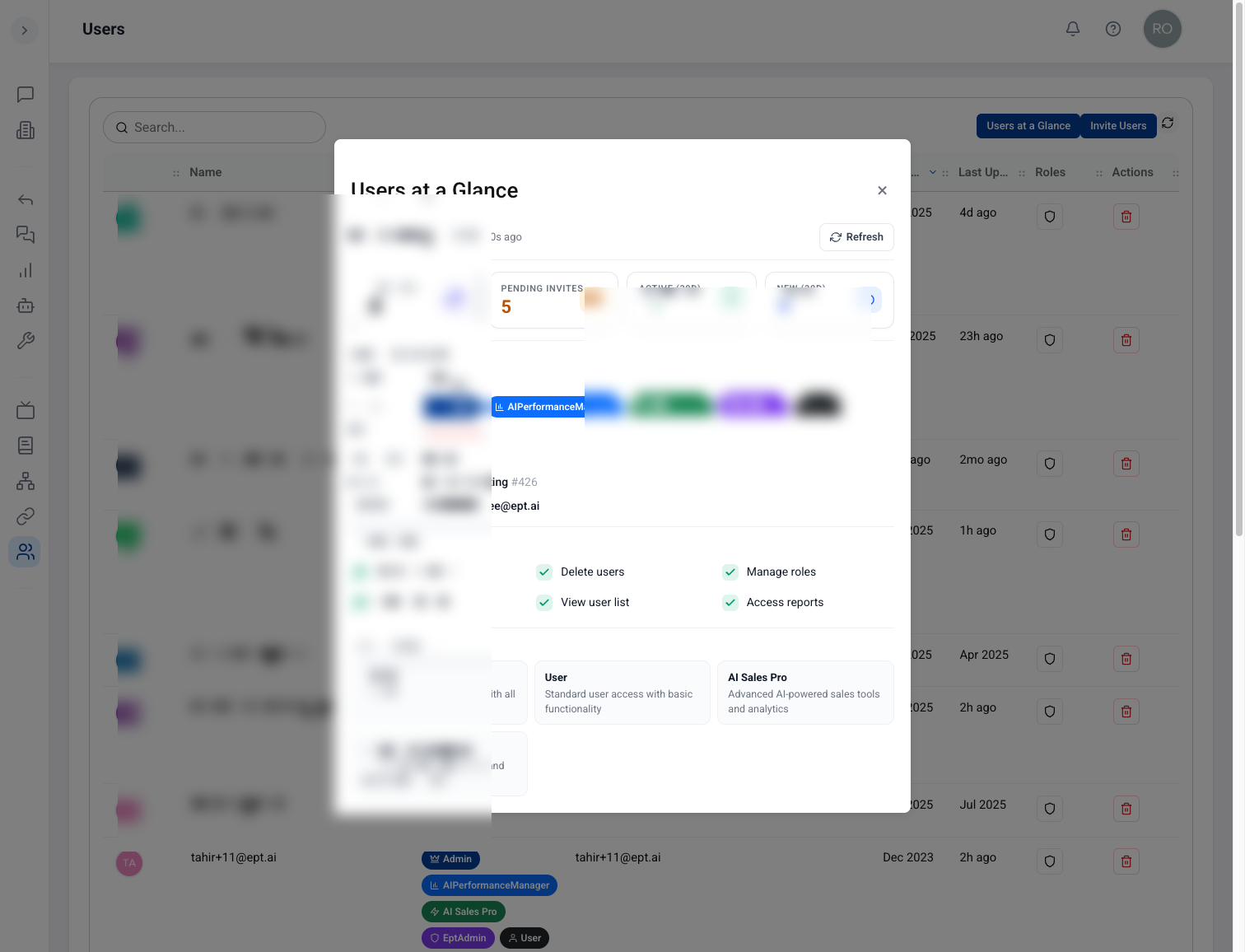
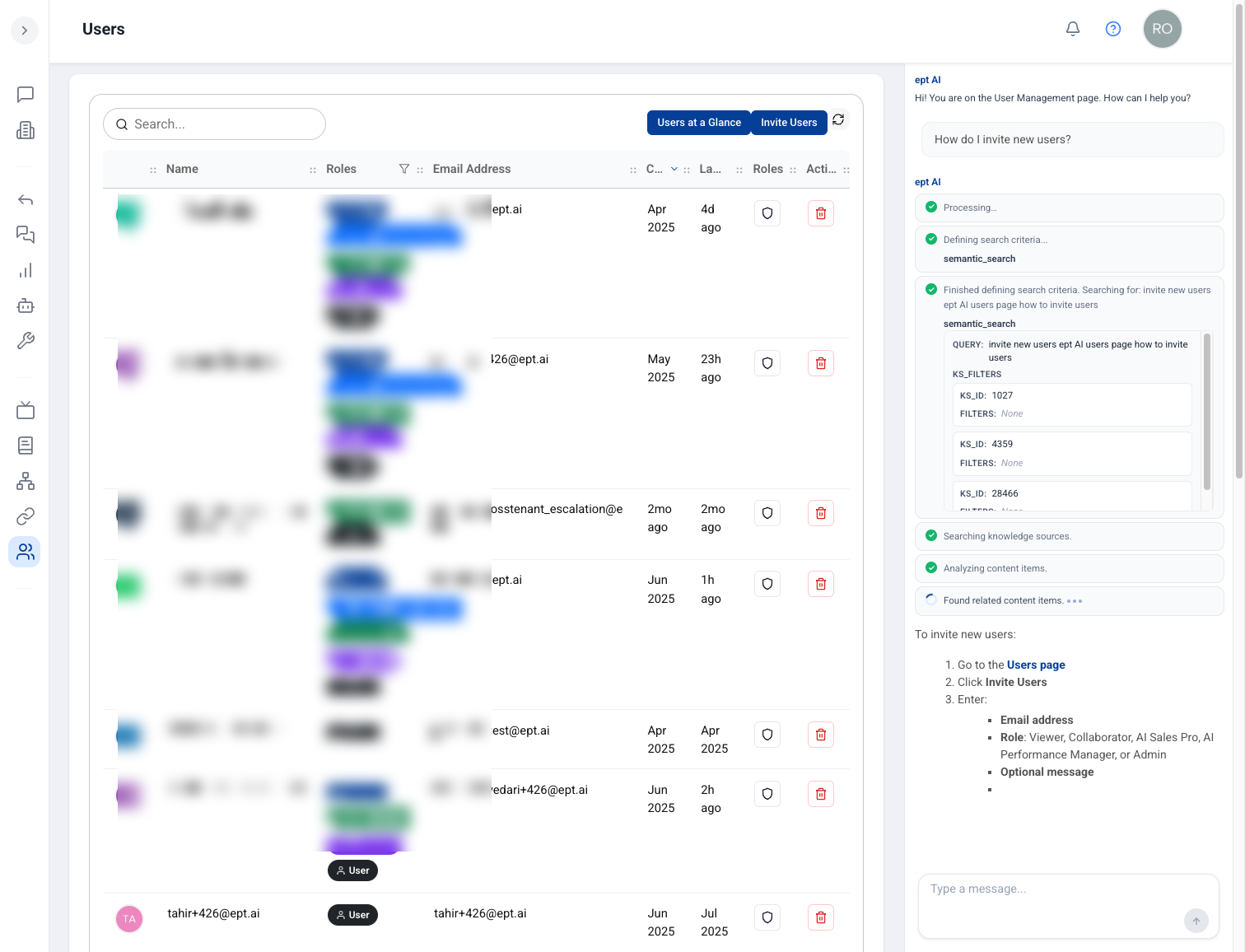
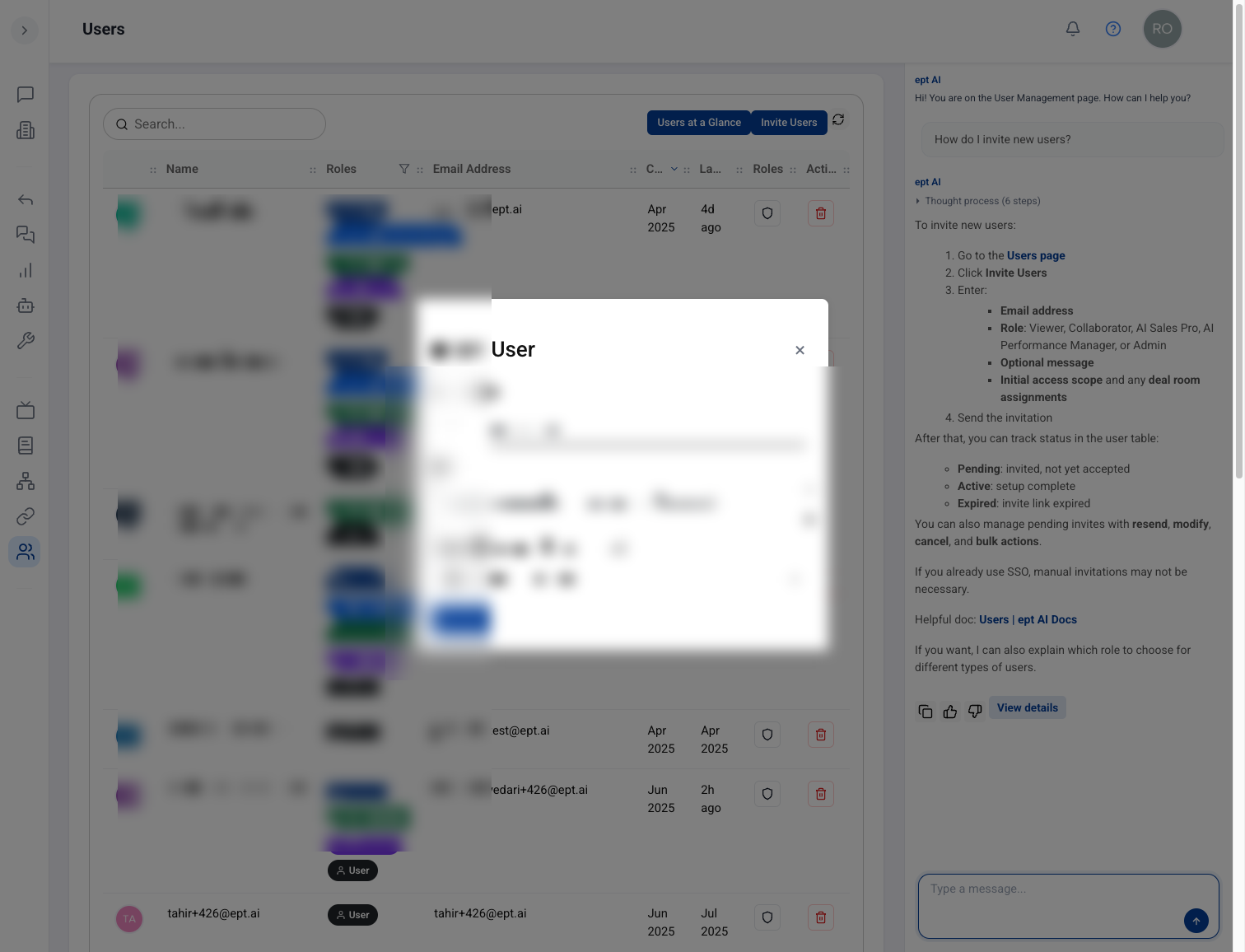
New users get a guided onboarding flow with in-context tooltips and a visible journey they can track. Managers get a dashboard showing where each new user is and how active they have been.
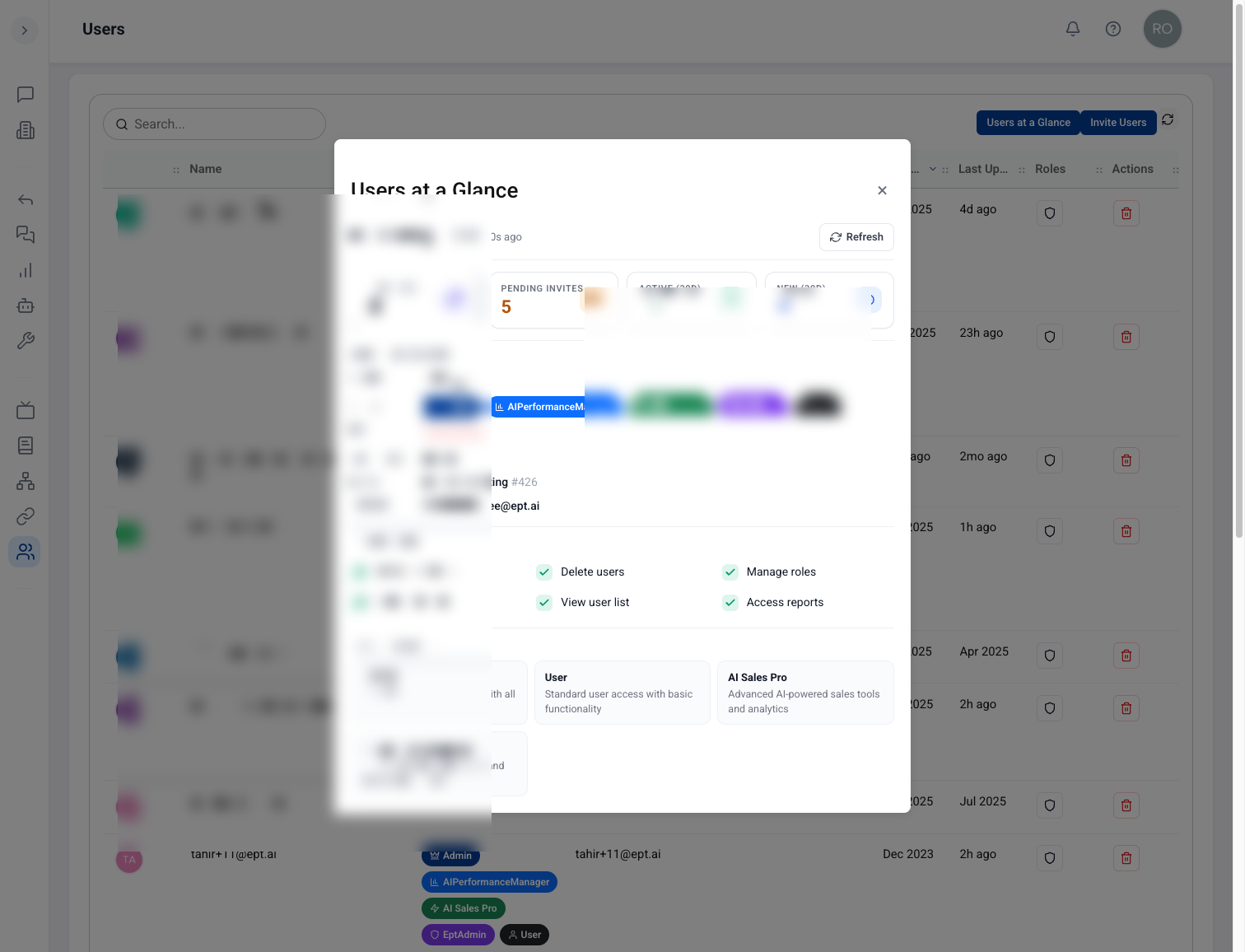
Managers see user counts, activity, and onboarding permissions at a glance from the Users page.
Why it matters
Teams ramp faster and managers can spot who needs a nudge before adoption stalls — without chasing people individually.
Guided first-run experience
In-context tooltips walk new users through the product step by step.
Visible journey
Users can see their onboarding progress and what to do next.
Manager dashboard
See where each new user is in onboarding and how active they have been.
How to use it
New users: follow the guided onboarding flow and tooltips when you first sign in.
Check your visible journey to see remaining setup steps.
Managers: open the onboarding dashboard to review team progress and activity.
Reach out to users who look stalled — the dashboard makes it easy to spot who needs help.