Work with ept AI inside your CRM, keep rooms and CRM records in real-time sync, and create rooms automatically when a new Account, Deal, or Contact is created.
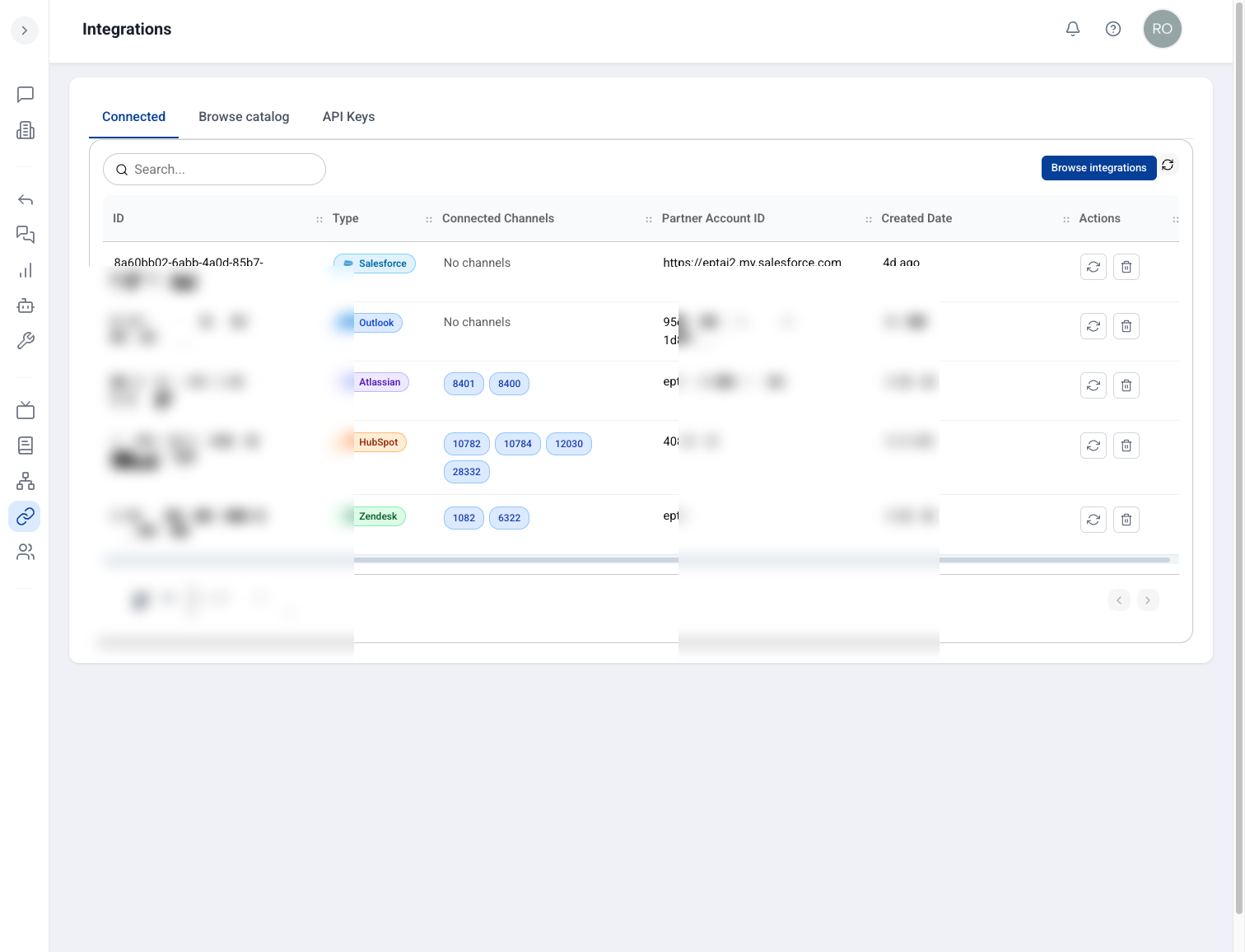
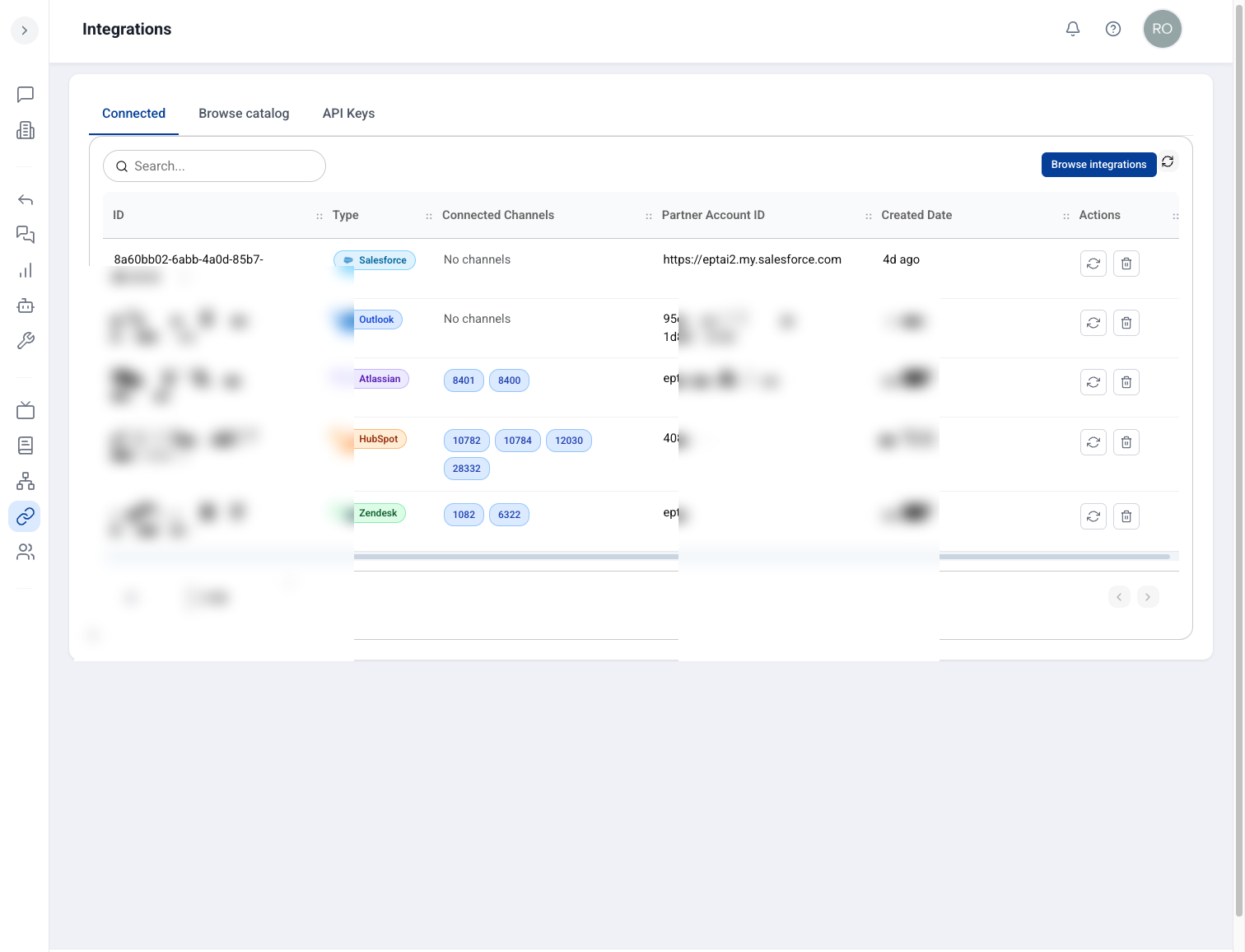
Salesforce and HubSpot connected in one place — rooms and CRM data stay linked automatically.
Why it matters
Sales teams stay in their CRM workflow, rooms stay current without manual re-linking, and new opportunities become collaboration spaces as soon as they appear in Salesforce or HubSpot.
ept AI inside
Run ept AI inside your CRM pages — no separate tab required.
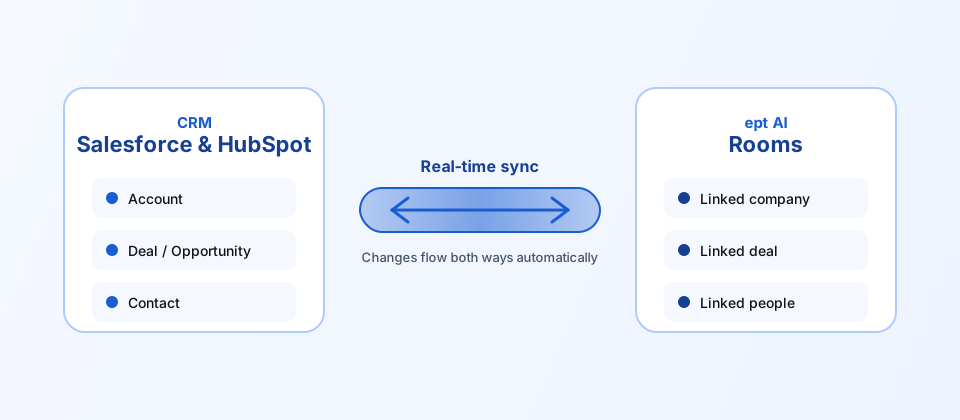
Real-time sync
What you see in the CRM and what you see in a room stay aligned automatically.
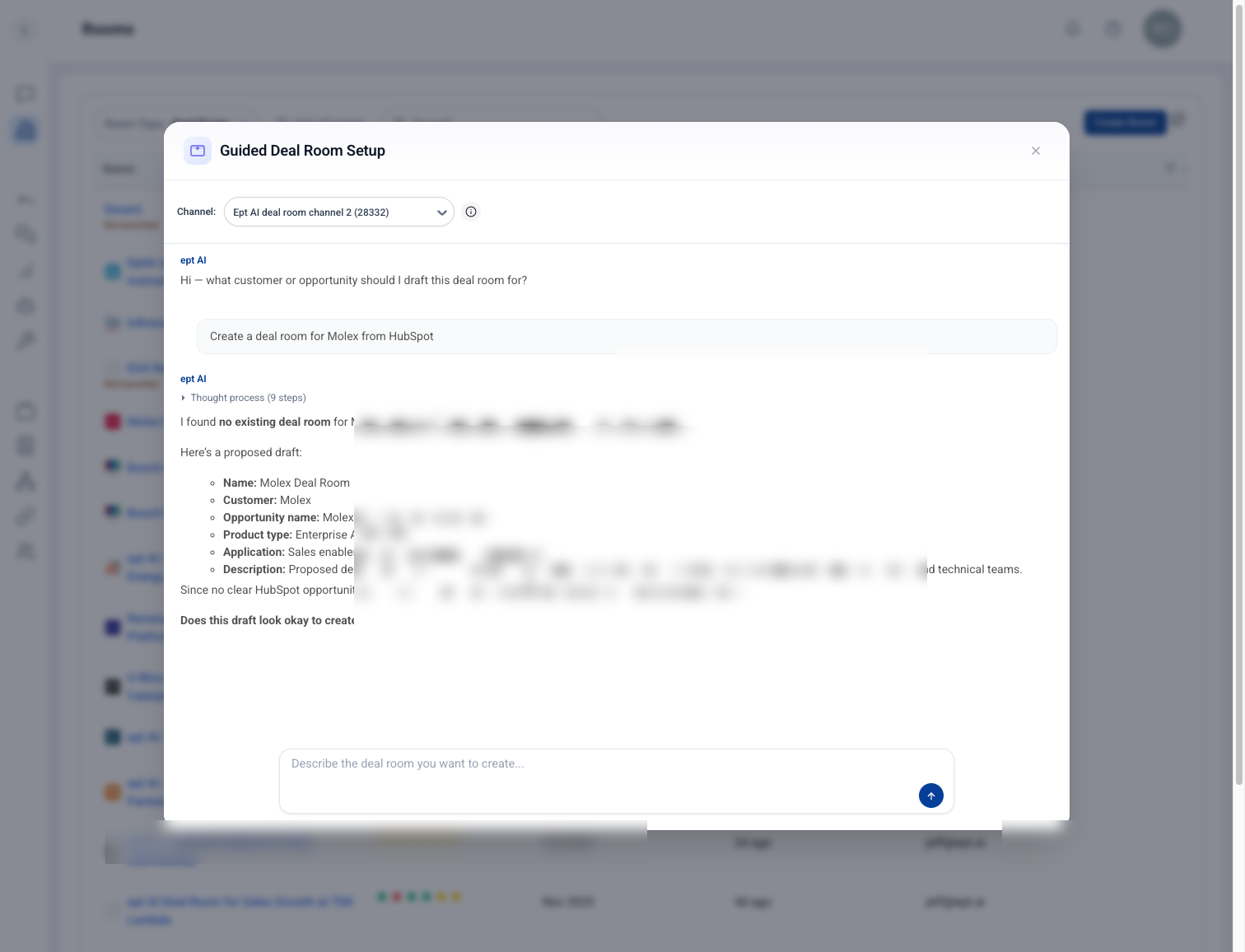
Automatic room creation
Rooms are created automatically when a new Account, Deal, or Contact is created in the CRM.
How to use it
Open ept AI from inside your CRM page — no separate tab required.
Work in a room knowing CRM changes sync automatically.
Create or update an Account, Deal, or Contact in the CRM and let the matching room appear automatically.